
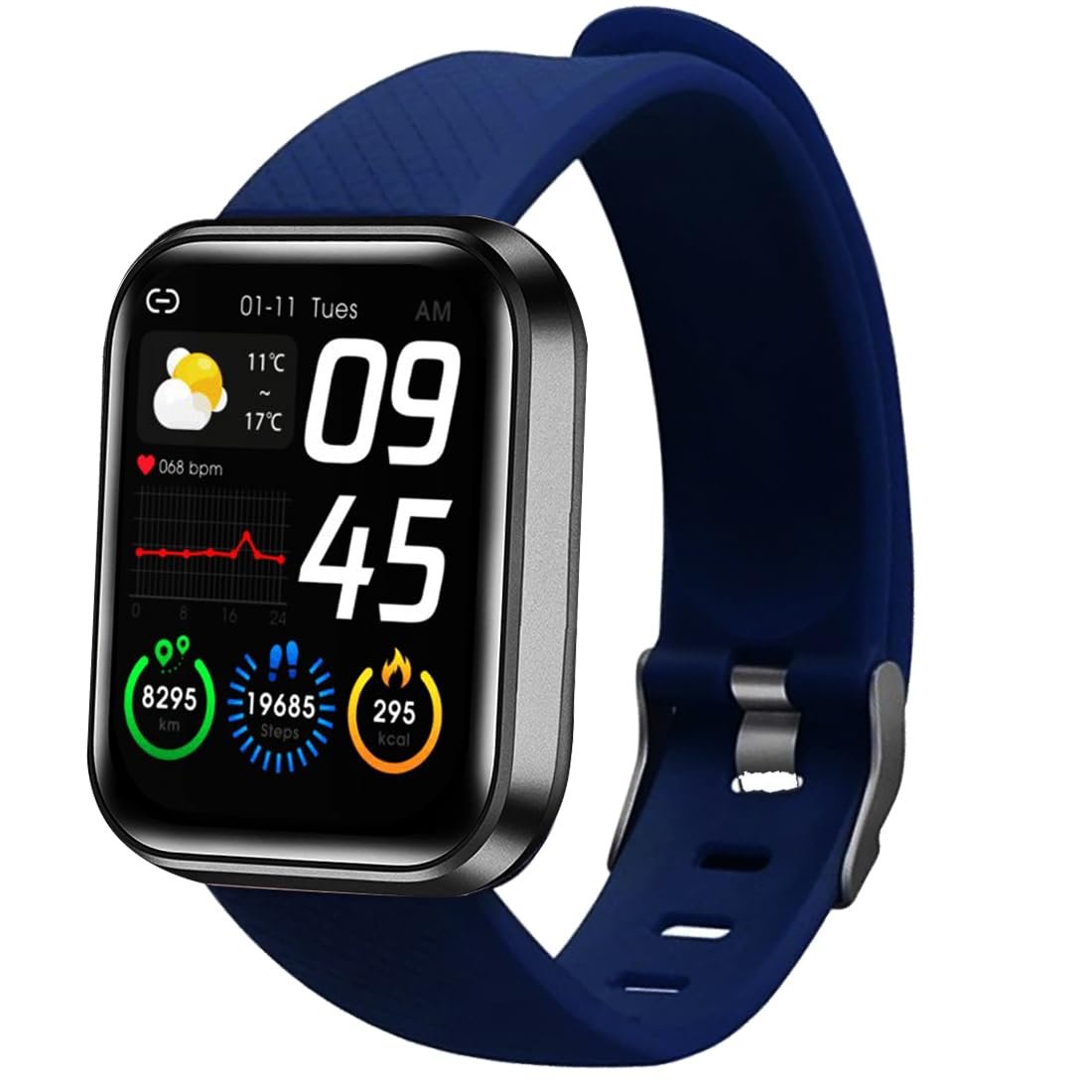
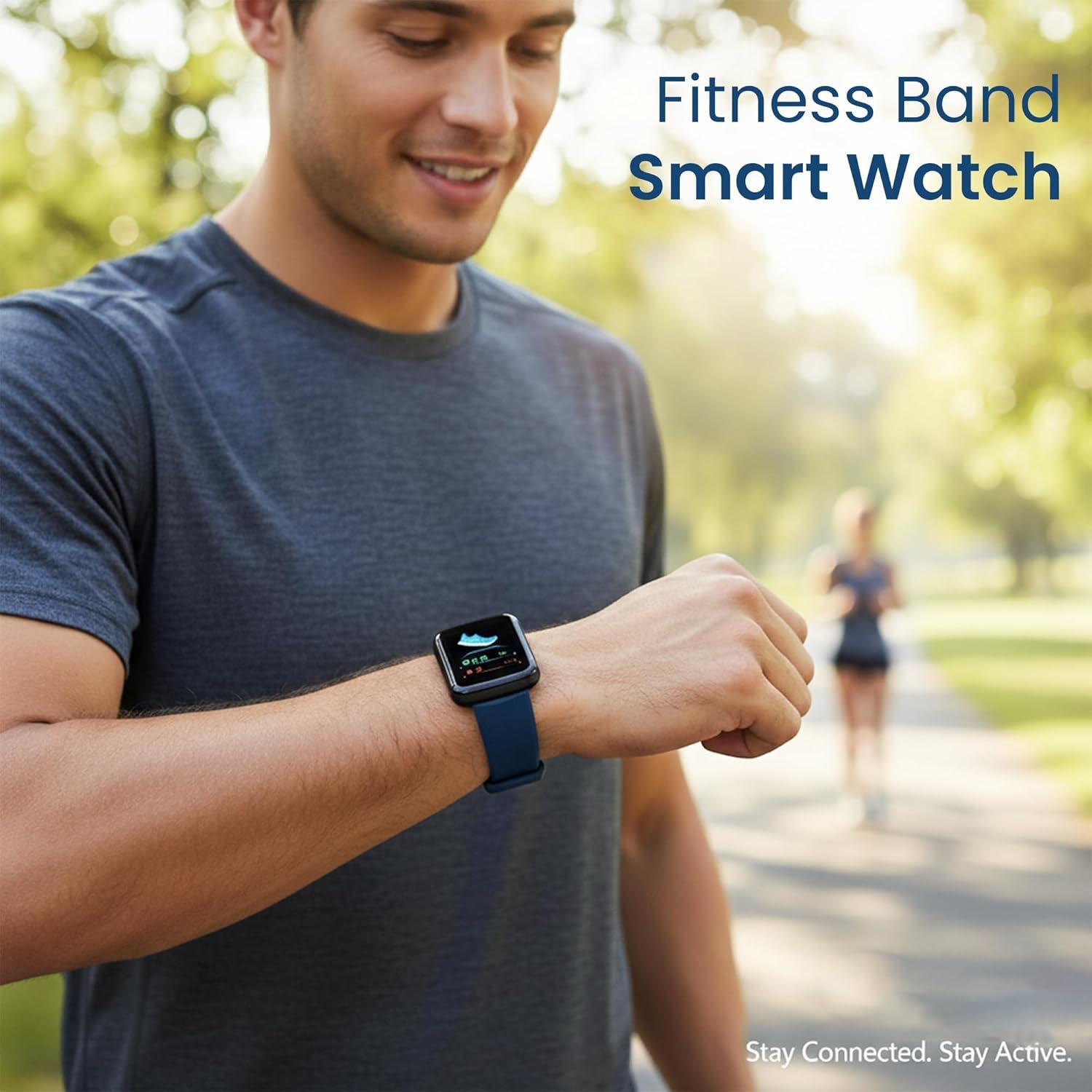
Bouncefit M I D116 Fitness Band Smart Watch for Men, Women, Boys, Girls, Kids – Single Touch Interface, Water Resistant, Workout Modes, Quick Charge Sports Smartwatch – Blue
Original price was: ₹2,999.00.₹398.00Current price is: ₹398.00.
Product Description


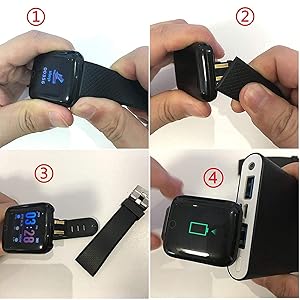
How do I charge the smartwatch?
This smartwatch does not come with a separate charger.Remove one strap to reveal the USB charging pin.Plug directly into any mobile charger, Power Bank or laptop USB port.DO NOT USE FAST CHARGER TO CHARGETip: Charge at least 2 hours before first use.
1. Which app should I download?
Download the “FitPro” app from Google Play Store or Apple App Store.Open the app and pair your smartwatch via Bluetooth.
2. My watch is not turning on. What should I do?
Charge the watch for minimum 2 hours before first use.It will power on automatically after charging.
3. How do I connect with the FitPro app?
Follow the step-by-step tutorial video inside the package.For assistance, our Customer Care is available at +91-9560335864.
4. How can I extend battery life?
Disconnect Bluetooth when you don’t need real-time notifications.Your steps, time and activity data will still be stored and sync when you reconnect.
Additional Support For charging or setup issues, Customer Care is available at +91-9560335864.
How to Connect Your ID116 Smartwatch with the FitPro App
Follow these simple steps to set up your watch:
Step 1 – Charge Your Watch First
Before using for the first time, charge your watch for at least 2 hours.Remove one strap → plug the USB pin into any mobile charger or laptop USB port.Once charged, the screen will light up and the watch is ready to use.
Step 2 – Download the App
On your smartphone, go to: Google Play Store (for Android phones) OR Apple App Store (for iPhones).Search for “FitPro” and install the app.
Step 3 – Turn on Bluetooth on Your Phone
Open your phone’s settings.Switch Bluetooth ON.Important: Do not connect the watch from phone settings directly. Always connect it through the app.
Step 4 – Open the FitPro App
Open the app and allow permissions (like Bluetooth, Location, Notifications).Permissions are important so the watch can send alerts and sync health data.
Step 5 – Pair the Watch with the App
In the FitPro app, go to “Set” → “Bind Device to experience more features” (Highlighted in Green Colour).Wait for the app to search → You’ll see a device name like 716 / Watch.Tap it → The app will connect to your smartwatch.
Step 6 – Confirm Connection
Once connected, the watch will automatically update the time and date.Your steps, sleep, and heart rate will start showing in the app.You’ll also begin to receive call, SMS, and app notifications on the watch.
Troubleshooting (if not connecting)
Restart Bluetooth on your phone and try again.If still not working, restart the smartwatch.Inside the app, tap Unbind Device, then Add Device again.Keep the watch close to the phone (within 30 cm) while pairing.
NOTE- NO CALLING FEATURE-You will receive only notification to See Calls & Messages on Your Wrist: Receive/Rejection call, calendar, SMS and SNS (Facebook, WhatsApp, LinkedIn, Instagram, and Twitter) notifications on display, fitness tracker band let you never miss the messages that matter.
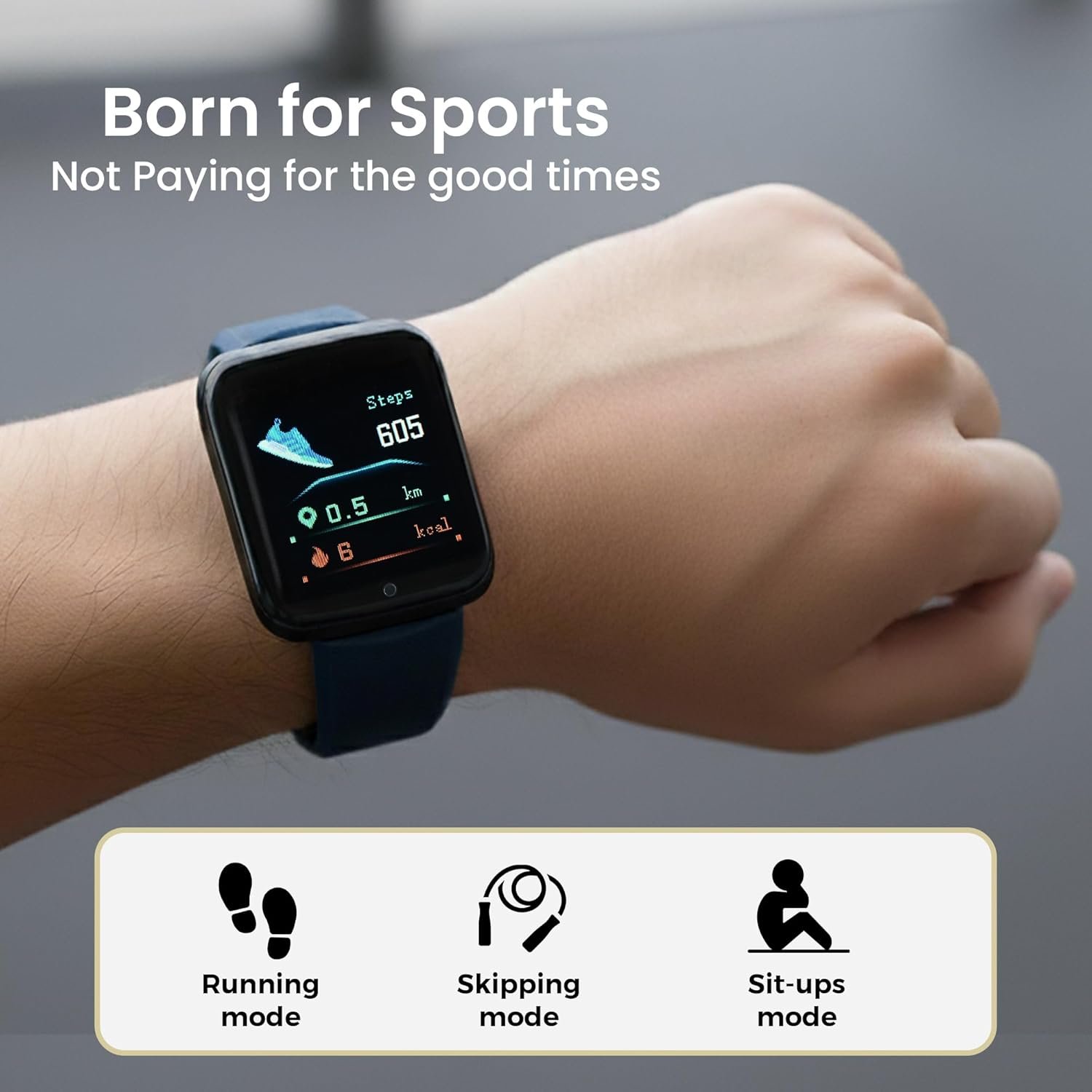
Water proof Smart fitness Watch with Bluetooth And Heart Rate sensor, Activity Recorder, Sleep Monitor, Calorie Counter, Call Notifications, Alarm, Message, Usb Charging Supports smart phones, Tablets and PC’s and also support Android and IOS
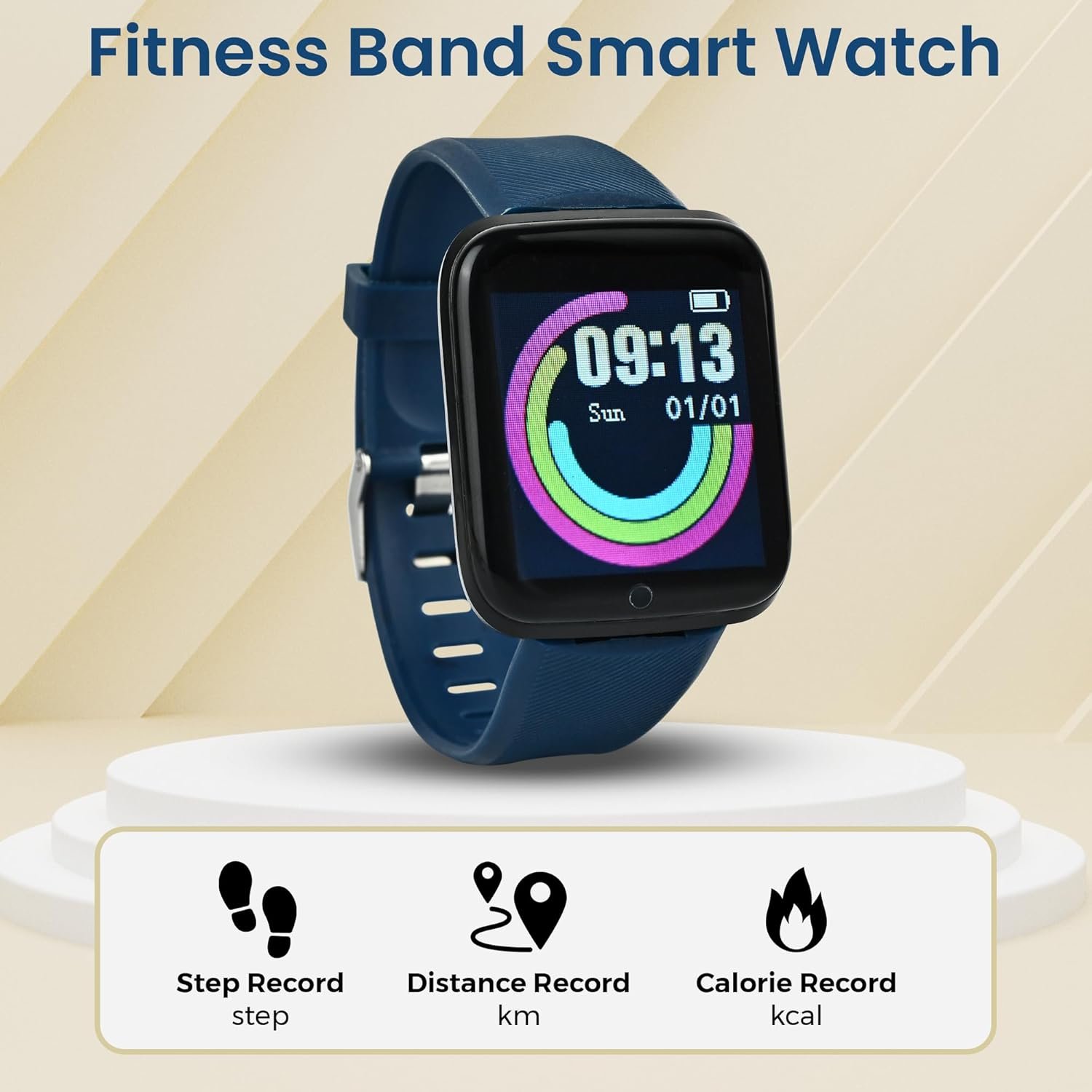
All-day activity tracking: Track steps, distance, calories burned, active minutes, you can check daily activity and time on OLED display or APP
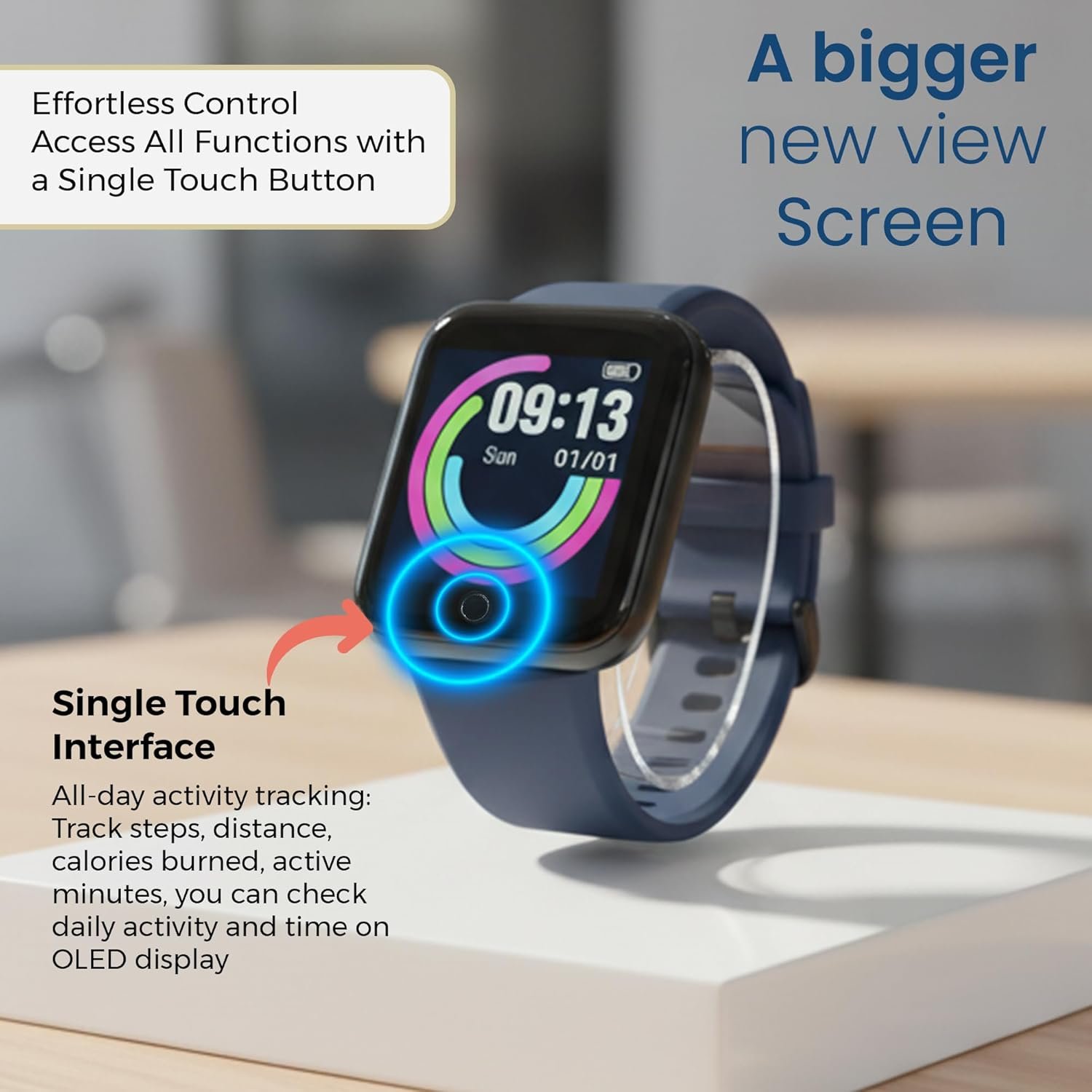
Quick Charge : 20 Minutes of Charge will give 1 Day full Battery Backup. Single Touch Interface : The Screen of the Smartwatch offers a unique single touch interface which means full screen touch is not available
NOTE -Charger is not available with this watch it has in built usb port remove the strap of watch carefully than u can see usb port which u can attach easily with any laptop,pc,mobile charges to charge. For Any Product Issue Please Contact Us on Customer Care and please Install the App – FIT PRO to use the Smart watch
Description
Price: ₹2,999 - ₹398.00
(as of Jan 15, 2026 23:04:00 UTC – Details)
Product Description
How do I charge the smartwatch?
This smartwatch does not come with a separate charger.Remove one strap to reveal the USB charging pin.Plug directly into any mobile charger, Power Bank or laptop USB port.DO NOT USE FAST CHARGER TO CHARGETip: Charge at least 2 hours before first use.
1. Which app should I download?
Download the “FitPro” app from Google Play Store or Apple App Store.Open the app and pair your smartwatch via Bluetooth.
2. My watch is not turning on. What should I do?
Charge the watch for minimum 2 hours before first use.It will power on automatically after charging.
3. How do I connect with the FitPro app?
Follow the step-by-step tutorial video inside the package.For assistance, our Customer Care is available at +91-9560335864.
4. How can I extend battery life?
Disconnect Bluetooth when you don’t need real-time notifications.Your steps, time and activity data will still be stored and sync when you reconnect.
Additional Support For charging or setup issues, Customer Care is available at +91-9560335864.
How to Connect Your ID116 Smartwatch with the FitPro App
Follow these simple steps to set up your watch:
Step 1 – Charge Your Watch First
Before using for the first time, charge your watch for at least 2 hours.Remove one strap → plug the USB pin into any mobile charger or laptop USB port.Once charged, the screen will light up and the watch is ready to use.
Step 2 – Download the App
On your smartphone, go to: Google Play Store (for Android phones) OR Apple App Store (for iPhones).Search for “FitPro” and install the app.
Step 3 – Turn on Bluetooth on Your Phone
Open your phone’s settings.Switch Bluetooth ON.Important: Do not connect the watch from phone settings directly. Always connect it through the app.
Step 4 – Open the FitPro App
Open the app and allow permissions (like Bluetooth, Location, Notifications).Permissions are important so the watch can send alerts and sync health data.
Step 5 – Pair the Watch with the App
In the FitPro app, go to “Set” → “Bind Device to experience more features” (Highlighted in Green Colour).Wait for the app to search → You’ll see a device name like 716 / Watch.Tap it → The app will connect to your smartwatch.
Step 6 – Confirm Connection
Once connected, the watch will automatically update the time and date.Your steps, sleep, and heart rate will start showing in the app.You’ll also begin to receive call, SMS, and app notifications on the watch.
Troubleshooting (if not connecting)
Restart Bluetooth on your phone and try again.If still not working, restart the smartwatch.Inside the app, tap Unbind Device, then Add Device again.Keep the watch close to the phone (within 30 cm) while pairing.
NOTE- NO CALLING FEATURE-You will receive only notification to See Calls & Messages on Your Wrist: Receive/Rejection call, calendar, SMS and SNS (Facebook, WhatsApp, LinkedIn, Instagram, and Twitter) notifications on display, fitness tracker band let you never miss the messages that matter.
Water proof Smart fitness Watch with Bluetooth And Heart Rate sensor, Activity Recorder, Sleep Monitor, Calorie Counter, Call Notifications, Alarm, Message, Usb Charging Supports smart phones, Tablets and PC’s and also support Android and IOS
All-day activity tracking: Track steps, distance, calories burned, active minutes, you can check daily activity and time on OLED display or APP
Quick Charge : 20 Minutes of Charge will give 1 Day full Battery Backup. Single Touch Interface : The Screen of the Smartwatch offers a unique single touch interface which means full screen touch is not available
NOTE -Charger is not available with this watch it has in built usb port remove the strap of watch carefully than u can see usb port which u can attach easily with any laptop,pc,mobile charges to charge. For Any Product Issue Please Contact Us on Customer Care and please Install the App – FIT PRO to use the Smart watch
8 reviews for Bouncefit M I D116 Fitness Band Smart Watch for Men, Women, Boys, Girls, Kids – Single Touch Interface, Water Resistant, Workout Modes, Quick Charge Sports Smartwatch – Blue
Related products
-
Sale!

CAMKORY Digital Camera FHD 1080P 44MP Compact Camera 16X Digital Zoom Camera Small Easy to Use Selfie with 2 Batteries for Children Beginners Girls
Original price was: ₹9,999.00.₹4,799.00Current price is: ₹4,799.00. -
-

-
Sindhu –
Smart watch
Good and affordable price
Teena –
Attenion users before buying this watch
Very worst watch..all features are dumb and children are getting irritated due to its poor features even can say no features. Our children want product so that they can enjoy pdt features but this product don’t have the features as mentioned here at Amazon platform. I think this seller should be banned from Amazon bcoz these sellers are doing fraud with customers…if such pdts they sell at 90% discount it clearly shows that they want 10% value can be get anyhow for such unfeatured pdt by from customers. While in reality they know pdt has zero value still they are selling it 90% discount means by showing value 100 they are giving discount 90 and earning 10. In fact this pdt don’t even deserve for rs 10 that this seller is charging from customers. In India there is jail for the people who do fraud with customers. Seller here not only putting parents in loss by charging money but are playing with the emotions of children also. Children heath issues get created by getting a poor pdt which don’t match with their expectations as the told features at Amazon are not matching with the original features. In fact this watch has faulty system. Amazon should remove the pdt immediately and ban the seller also at this platform.
Indranil –
Nice product
Very nice product. Setup is very easy.. worth to buy this product..
Shailesh R. –
Waste! Waste! Waste!
This is one of the worst product I have ever seen on Amazon. I have ordered two of them on 30 June 2025 and received on 1 July 2025 but within half an hour of receiving them, I initiated to return them. Its detachable wrist bands are made of very stiff plastic and designed in such a badcway that it took me some ten minutes to put it on my seven years old son. Also, its locking mechanism is nothing like shown in the pictures on the order page of amazon. It can unlock randomly and even its bands can get detached on their own and your kid can lose it anywhere. I didn’t even try to charge or switch it on once. Pls don’t waste your time or lose your hard earned money on this product.
Chethan –
Bouncefit kids watch
Good
jagadesh s j –
Very bad condition
0% battery quality voice better not too good
SUMIT CHATTERJEE –
Good product
Good
Nikita Sharma –
Thankyou
Thankyou 🤗