
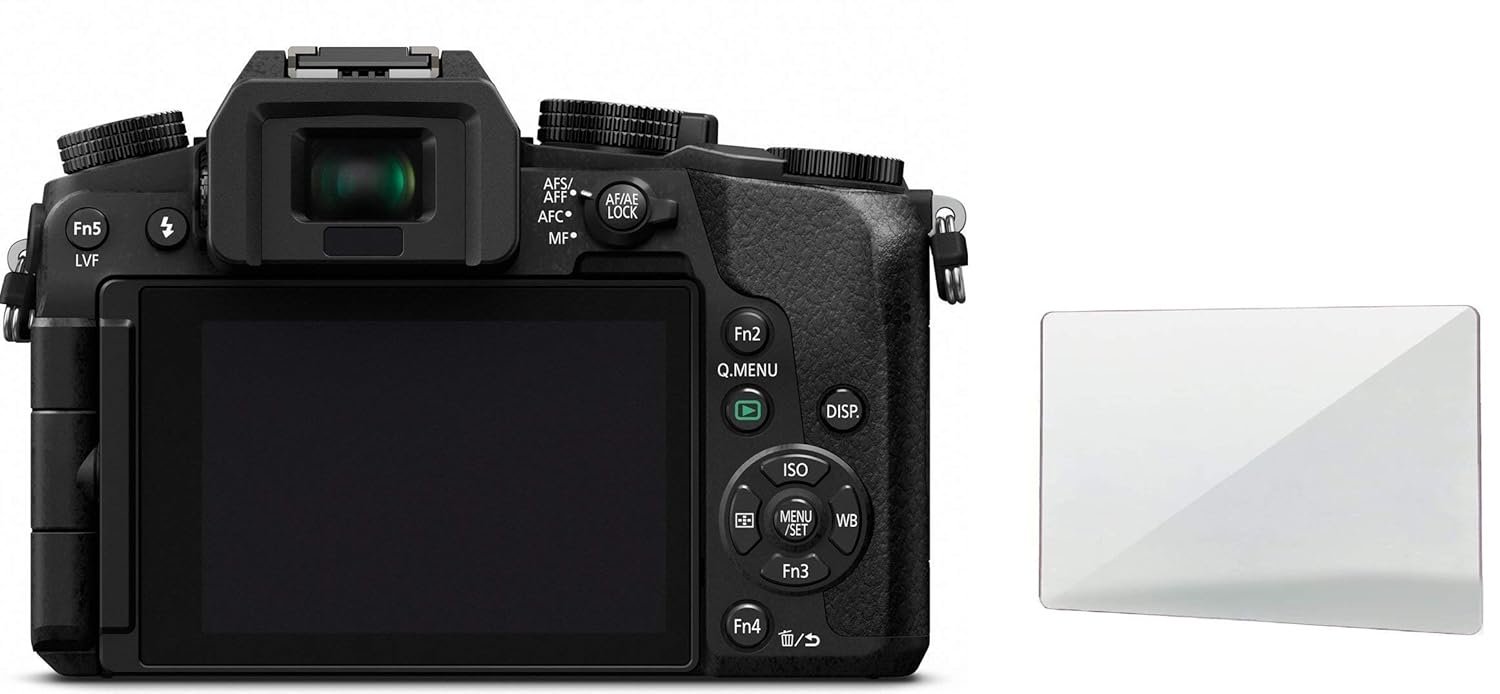
M.G.R.J® Tempered Glass Screen Protector for Panasonic LUMIX G7 G7 Mark ii DMC-LX10 LX10 II DMC-GX8 GX85 DMC-LX10 LX9 G9 G85 EOS M100, EOS M6, M50 Mirrorless Camera
Original price was: ₹999.00.₹299.00Current price is: ₹299.00.
From the manufacturer
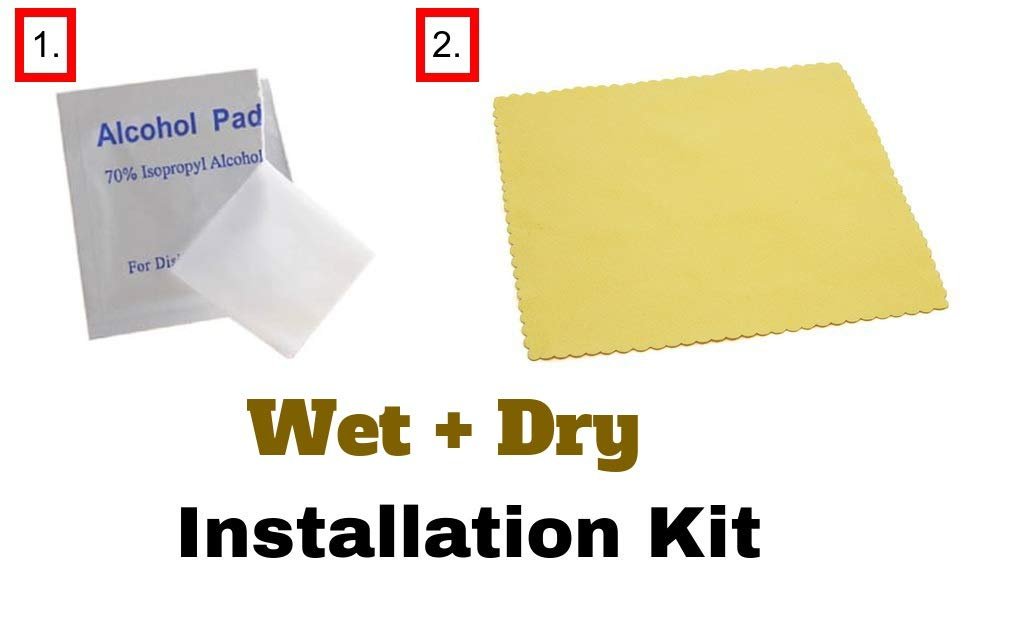
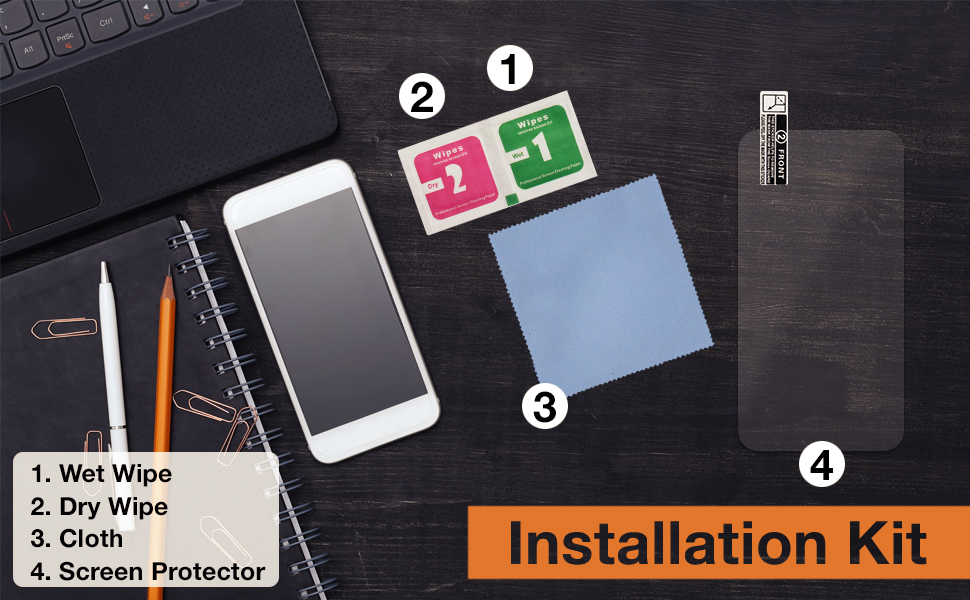
Installation Kit/What generally comes in the pack?

Five Easy Steps to Apply the Screen Protector
Before you get started, make sure to wash your hands and let them dry.
Also, choose a clean space to avoid dust or other particles. You may even switch off your fan, if required.
Remove your phone’s cover or any existing Screen protector.
Step 2: CLEAN
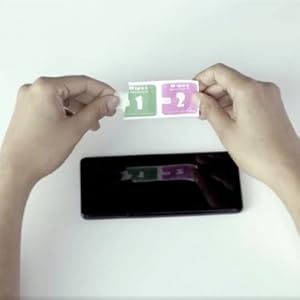
Clean the mobile screen of any kind of dust. For this, first clean the screen using the Wet wipe and then the Dry wipe.
This is to ensure that no bubbles come up during application.
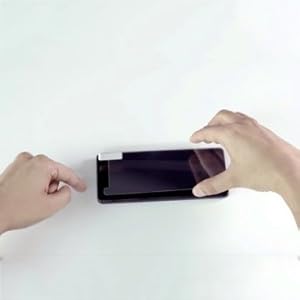
Step 3: ALIGN
Hold the protector from the edges and take care not to touch the sticky side.
Align the device starting with any one reference point, which could be the speaker or the camera lens at the top.
The Home button or The Logo can also be used as reference at the bottom.
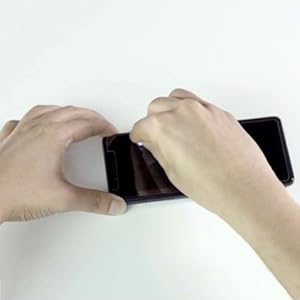
Step 4: DROP
Using the weight of the protector, gently drop the Protector onto the screen
Step 1: PREPARE
Step 2: CLEAN
Step 3: ALIGN
Step 4: DROP
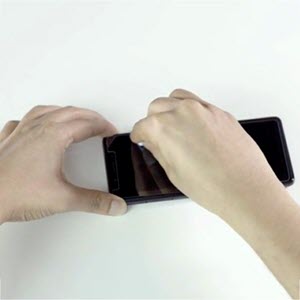
Step 5- PRESS
Press the Protector with a clean cloth to remove any remaining bubbles
What if something went wrong?
What if the Protector isn’t aligned to the screen?
Just remove it quickly from the corner and repeat the application process. Take care
· To hold the protector on the sides.
· Not to hold the protector on the sticky side.
What if there are bubbles on the screen?
Remove the protector and clean the screen again with the wipes, to remove the dust which is causing the bubbles to appear. You may use a tape to remove any dust from the tape as well.
Repeat the application process after cleaning.

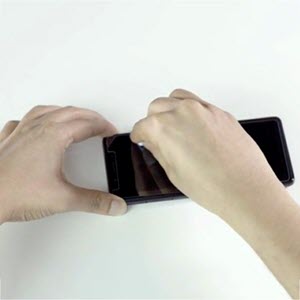
HD Clarity with 99% transparency and oleophobic anti-smudge coating maintain your devices original HD viewing experience and high-sensitivity touch response
Rounded edges for flawless integration and smooth feel
Precise laser cut tempered glass made with polished, rounded edges.
Scratch Proof: Don’t get scratches even if scratched with keys in your pocket.
Anti-Shatter: If broken, the glass will break into small parts but stay in one piece, making it safer for glass screen of your Camera.
Description
Price: ₹999 - ₹299.00
(as of Jan 13, 2026 21:09:21 UTC – Details)
From the manufacturer
Installation Kit/What generally comes in the pack?
Five Easy Steps to Apply the Screen Protector
Before you get started, make sure to wash your hands and let them dry.
Also, choose a clean space to avoid dust or other particles. You may even switch off your fan, if required.
Remove your phone’s cover or any existing Screen protector.
Step 2: CLEAN
Clean the mobile screen of any kind of dust. For this, first clean the screen using the Wet wipe and then the Dry wipe.
This is to ensure that no bubbles come up during application.
Step 3: ALIGN
Hold the protector from the edges and take care not to touch the sticky side.
Align the device starting with any one reference point, which could be the speaker or the camera lens at the top.
The Home button or The Logo can also be used as reference at the bottom.
Step 4: DROP
Using the weight of the protector, gently drop the Protector onto the screen
Step 1: PREPARE
Step 2: CLEAN
Step 3: ALIGN
Step 4: DROP
Step 5- PRESS
Press the Protector with a clean cloth to remove any remaining bubbles
What if something went wrong?
What if the Protector isn’t aligned to the screen?
Just remove it quickly from the corner and repeat the application process. Take care
· To hold the protector on the sides.
· Not to hold the protector on the sticky side.
What if there are bubbles on the screen?
Remove the protector and clean the screen again with the wipes, to remove the dust which is causing the bubbles to appear. You may use a tape to remove any dust from the tape as well.
Repeat the application process after cleaning.
HD Clarity with 99% transparency and oleophobic anti-smudge coating maintain your devices original HD viewing experience and high-sensitivity touch response
Rounded edges for flawless integration and smooth feel
Precise laser cut tempered glass made with polished, rounded edges.
Scratch Proof: Don’t get scratches even if scratched with keys in your pocket.
Anti-Shatter: If broken, the glass will break into small parts but stay in one piece, making it safer for glass screen of your Camera.
8 reviews for M.G.R.J® Tempered Glass Screen Protector for Panasonic LUMIX G7 G7 Mark ii DMC-LX10 LX10 II DMC-GX8 GX85 DMC-LX10 LX9 G9 G85 EOS M100, EOS M6, M50 Mirrorless Camera
Related products
-
Sale!

Mi Xiaomi 33W Fast Charging Cable USB C Quick Charge 4.0 Soniccharge Cord Compatible withMi, Redmi, iPhone 15 Pro Samsung Galaxy Android Phone Laptop PD Charger Cable (White)
Original price was: ₹699.00.₹62.00Current price is: ₹62.00. -
-
Sale!

Wayona Type C 3Meter Nylon Braided 65W/3A Fast Charging USB C Long Cable Compatible for Samsung Galaxy S24, S23, S22, iPhone 15 Series, Android Auto, Apple CarPlay (10 FT Pack of 1, Black)
Original price was: ₹1,099.00.₹373.00Current price is: ₹373.00. -
Sale!
Rahul –
Very nice, you should go for it.
Very accurate fitting. Easy to install. It commes with cleaning cloth, screen guard temper glass, wet wipe, suction cup to hold glass and very good packing. It fits easily after placing on screen without leaving bubbles.
Amazon Customer –
Super screen guard with ruined cleaning solution.
Screen guard was perfect but the cleaning solution might have ruined the screen if used.
Ankan Mukherjee –
Perfect Fit for Lumix S5IIX. Go for it Blindly
I bought this for my Lumix S5iix. Perfect Fit. Though a bit over pricey. Definately go for it. For the manufacturer: Try to reduce the price, or provide combo.
Amazon Customer –
quality product
before this i never had faith in screen protectors from online but this one is really good. anybody can fix this things themselves. even it included a screen sucker to place the protector properly on the camera screen. cant say how long it will last but from the look of it will last for a long time . fully satisfied
Indranil Paul –
Doesn’t fit properly
There is a small gap, it is not a exact fit for Panasonic Lumix G7, but somehow it can manageable. Build quality is good but not as per the price of it. It’s easy to fit but other products has two layers of stickers it has one so a bit less in quanlity
Henry Narzary –
Good
Perfect fit for my G85. Easy to apply. Comes with wet wipe, dry wipe etc.
ShiWa kumar –
Perfect Fit for Lumix G7
Good oneEasy to usePerfect fit for lumix G7
muralipatteti –
Comfort fitted
Glass quality is good